These terms apply when you complete Adopt on this depositary. They sit with the Privacy Policy.
The instrument
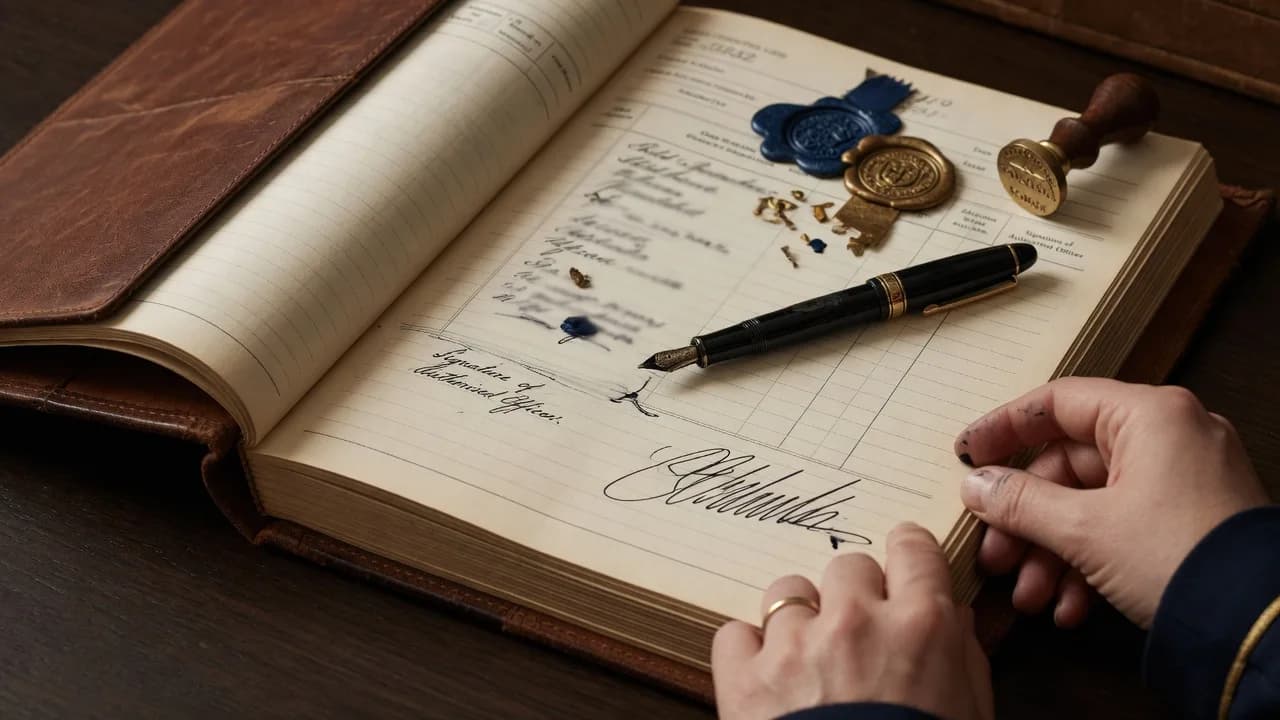
You confirm that the name, organisation, email, Accords ticked, and signature are true, and that you have authority to sign for that organisation. A drawn signature and an uploaded PNG or JPEG are both a digital signature on that instrument.
Checking
Submit creates a pending submission and a frozen certificate. Staff then accept or reject. Until accept, the name does not appear on Adoptions. Rejected instruments are not published. Accept is for the whole instrument — every Accord ticked on that signing.
The certificate and email
We generate a certificate from the details you supply and email it to that address, with a retrieve link that expires after seven days. You request the later-signing link with the same email you used on the instrument. Each later signing is a new certificate. We do not combine old files into one living PDF. You do not need a site password to retrieve certificates.
Public listing
If you leave the name public, accept may list the organisation on Adoptions with the Accords signed. If you ask us not to list the name, staff still hold it; the directory omits it; totals still count the accept. Paper forms posted to the Global Envoy Office use the same checking process.
This site is the official depositary. It is not legal advice and not a substitute for reading the Accord text you tick.